Installation guide
Get started in minutes. Choose your device and follow the steps.
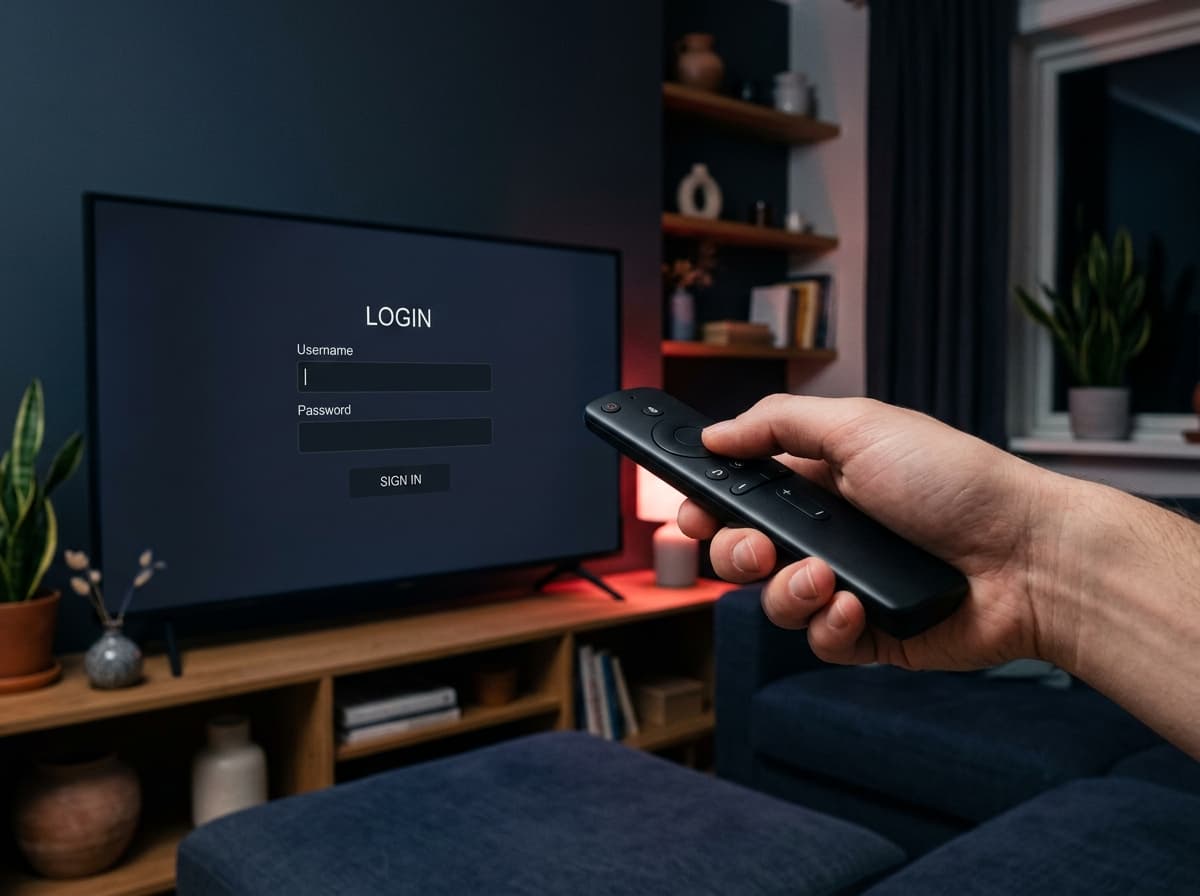
Choose device
Smart TV
Samsung, LG and other Smart TVs
- 1
Open the app store on your TV and search for an IPTV player that supports Xtream Codes or M3U.
- 2
Install and open the app. Some apps show a device ID (MAC) – note it and send it to us if the app requires it.
- 3
Choose “Add playlist” or “Xtream Codes” and enter the server, username and password from your welcome email.
- 4
Wait while channels and the TV guide load. The first time can take a couple of minutes.
What you need
- The login details from your welcome email (server, username, password)
- A stable internet connection – at least 30 Mbit/s for HD and 4K
- An IPTV player app that supports Xtream Codes or M3U
Stuck? We're happy to help.
Contact support